
Brightcove Interactivity is a flexible and extensible platform for creating different types of interactive videos. There are two core types of interactive videos you can create:
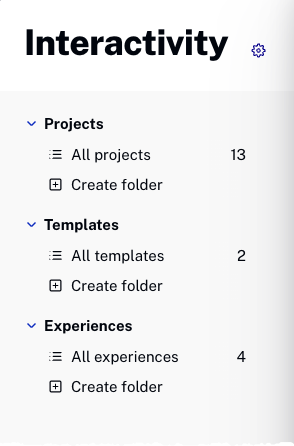
Projects
A Project is a single video with annotations. This is the most frequently used video type.
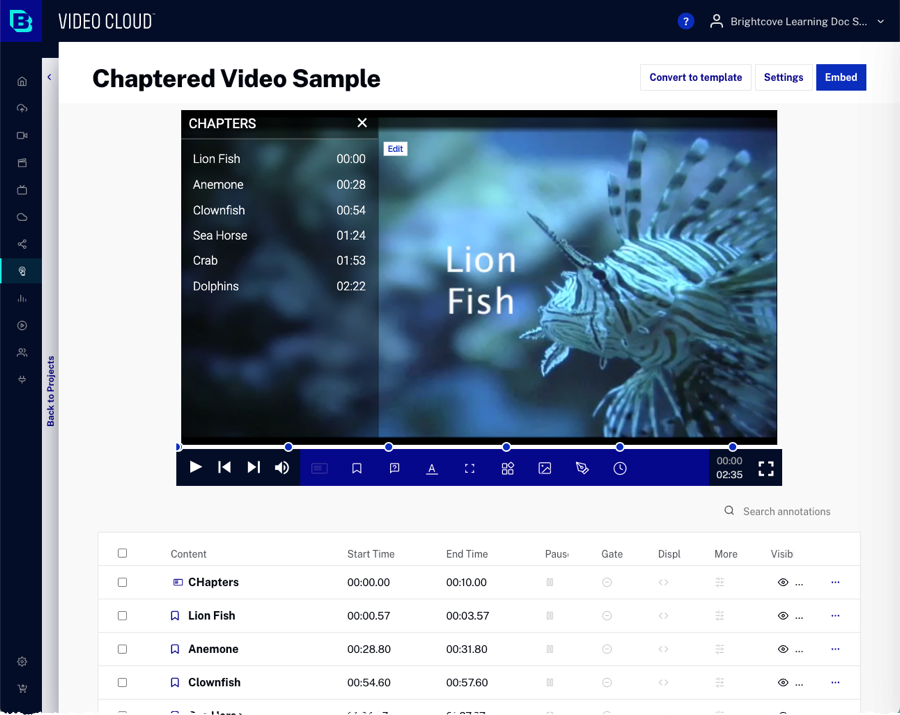
Projects allow you to add interactive elements such as text overlays, link overlays, chapters, and polls directly to a video.
Templates
A Template is one set of saved annotations designed to be added to many videos. For example, you might create a template with a company logo or call-to-action button that can be easily applied to many videos.
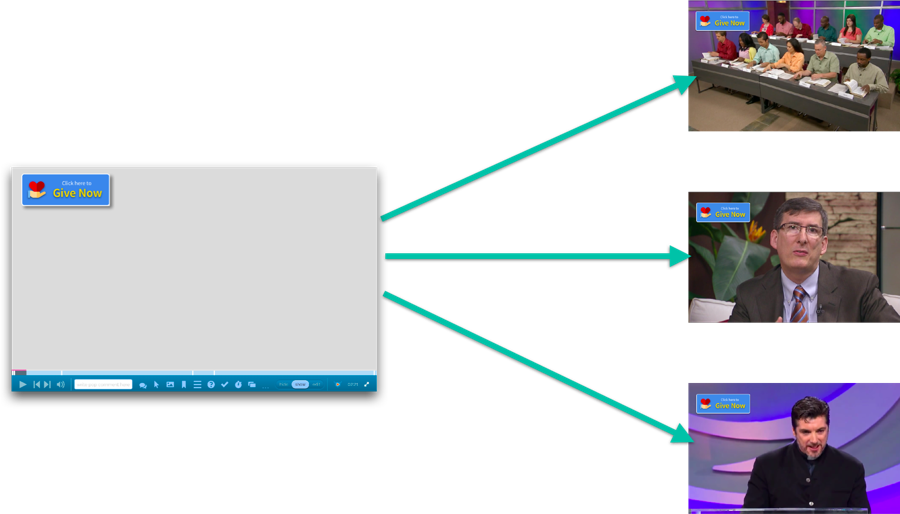
Templates make it easy to maintain consistent branding and interactive elements across multiple videos without having to recreate annotations for each video.
Experiences
An Experience is a Project combined with other elements (like synced slides or an e-commerce cart) outside the video player that dynamically interact with the player.
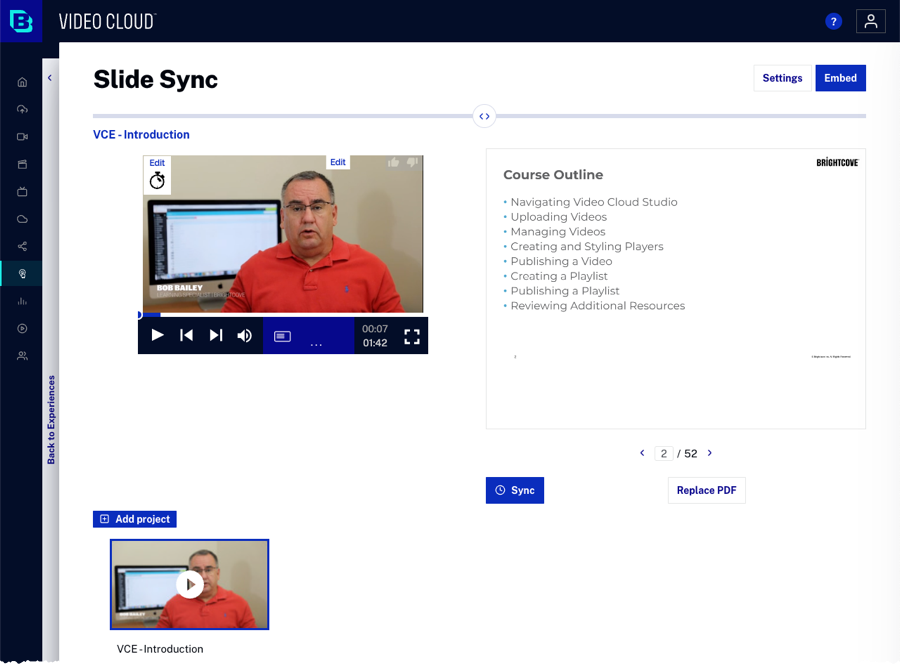
To access existing Experiences, open the Interactivity module and use the left navigation to view Experiences. Click on an Experience to open it in read-only mode. In read-only mode, you can view all elements and annotations within the Experience, but you will not be able to edit, modify, or create new Experiences.